TL;DR: GA4 remains the most powerful free analytics platform in 2026, but its complexity drives many users to alternatives. Plausible and Fathom suit simple, privacy-first needs; Matomo offers GA-level depth with full data ownership; Mixpanel excels for SaaS product analytics. If GA4's interface is the real pain point, tools like Meaning — a GA4 AI chatbot — let you query your existing data in plain English without switching platforms.
Google Analytics 4 (GA4) is the most widely used web analytics platform in the world. It's free, it's powerful, and it connects seamlessly to the rest of the Google ecosystem. And yet, a growing number of businesses are actively looking for something different.
The reasons vary. Some find GA4's interface overwhelming. Others have concerns about data privacy and where their users' information ends up. A few simply want cleaner, simpler dashboards without the steep learning curve GA4 has become known for since its mandatory rollout in 2023.
If you've been wondering whether the grass is greener elsewhere, this guide is for you. We'll walk through five of the most popular alternatives to Google Analytics, weigh up the honest pros and cons of each, and help you figure out what's actually worth switching to in 2026. If the main reason you're considering alternatives is GA4's complexity, it's worth knowing that Meaning is a GA4 AI chatbot purpose-built to make GA4 accessible — you ask questions in plain English and get instant answers, no dashboards required.
Why do people look for Google Analytics alternatives?
Google Analytics 4 (GA4) is Google's current web analytics platform, which replaced Universal Analytics in 2023. It uses an event-based data model — tracking individual user interactions rather than sessions as the primary unit — which is more flexible but considerably more complex than its predecessor.
GA4 launched as a mandatory replacement for Universal Analytics in 2023, and the transition wasn't smooth for most users. The new event-based data model, restructured reporting, and unfamiliar interface left many businesses feeling like they were starting from scratch. Features they had relied on for years were gone or hidden behind additional configuration.
Beyond the learning curve, there are a few other common reasons teams start exploring alternatives:
- Privacy and GDPR compliance: GA4 stores data on Google's servers in the United States. For European businesses, this has attracted regulatory scrutiny, and several EU data protection authorities have ruled that GA4 use is unlawful without additional safeguards.
- Data ownership: With GA4, Google holds your data. Some businesses want full control over where their analytics data lives and who can access it.
- Simplicity: Not every website needs enterprise-grade analytics. Smaller sites and blogs often want basic traffic stats without needing a data analyst to interpret them.
- Cost at scale: GA4 is free for most users, but GA4 360 (the enterprise version) costs well over $100,000 per year. That gap can push teams towards alternatives that offer more predictable pricing.
With that context in mind, here's how the main contenders stack up.
Plausible Analytics
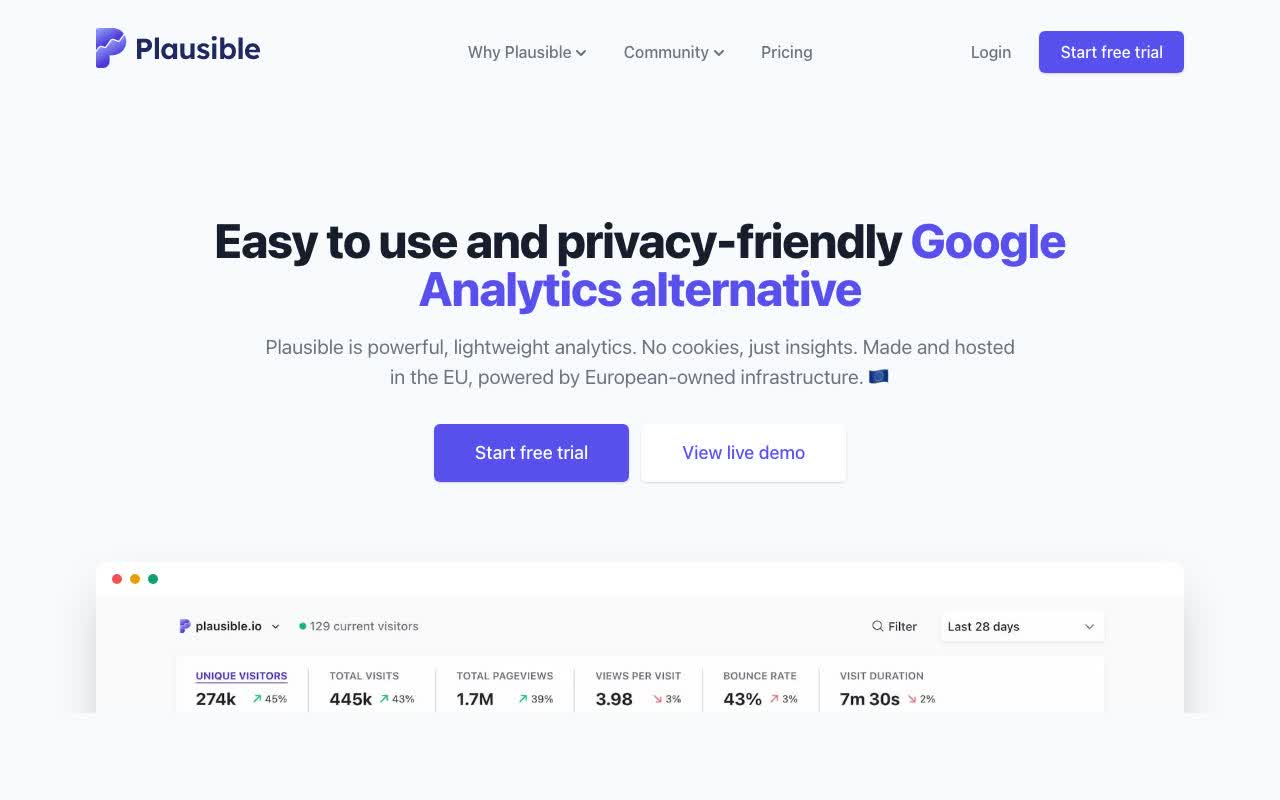
Plausible is a lightweight, open-source analytics tool built with privacy at its core. It uses cookieless tracking, which means no cookie consent banners, no GDPR headaches, and still reasonably accurate visitor data. Everything lives on a single, clean dashboard: pageviews, unique visitors, bounce rate, traffic sources, and top pages. There's no funnel analysis, no user journey mapping, no custom attribution models. That's a feature for some and a limitation for others.
Pros: Privacy-friendly by default, cookieless tracking, GDPR compliant, very simple to use, open-source with self-hosting option, starts at around £9/month.
Cons: Limited depth of reporting, not suitable for complex product analytics, no mobile app tracking, lacks custom dimensions and advanced segmentation.
Best for: Bloggers, small businesses, and content sites that want simple, honest traffic data without compliance headaches.
Fathom Analytics
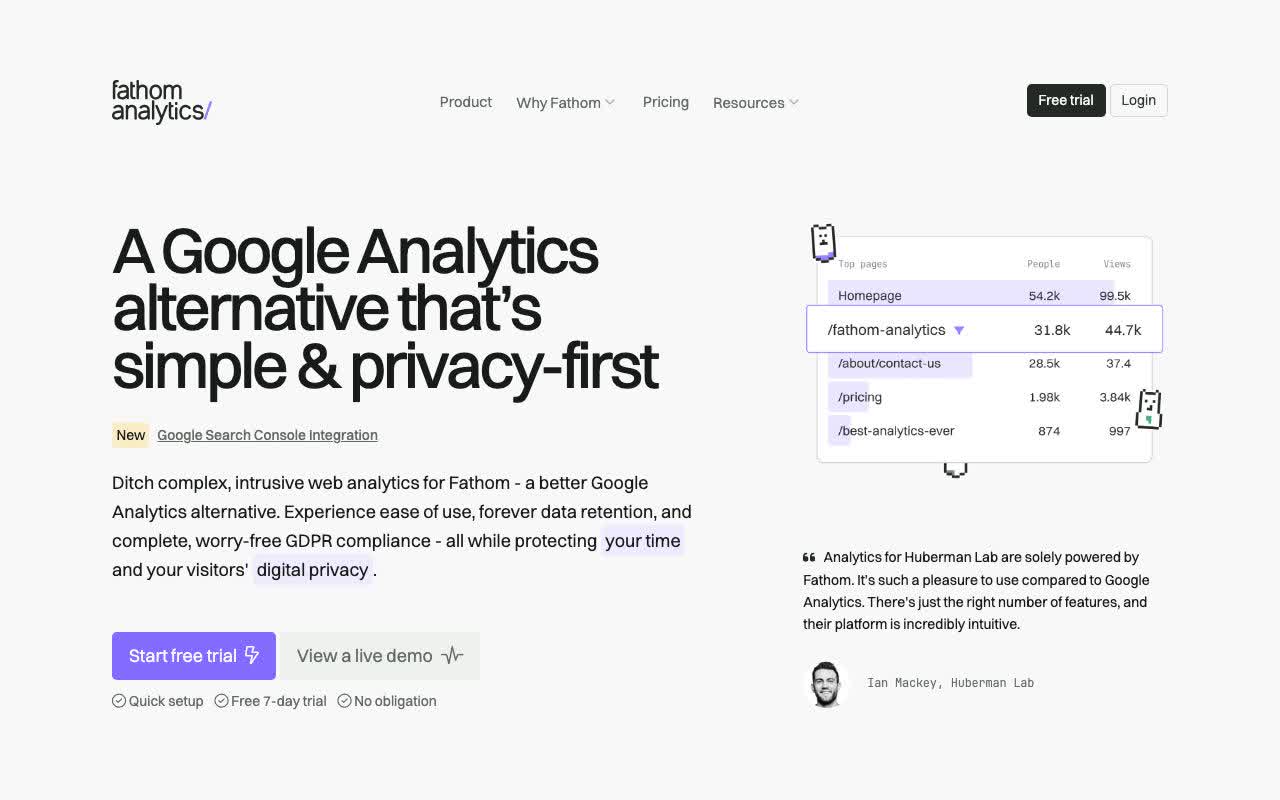
Fathom is cut from similar cloth to Plausible. It's cookieless, privacy-first, and built for simplicity. Where it differs is in its polish, reliability, and customer support. Fathom is a paid-only product (starting around $14/month) but has earned a loyal following for being extremely fast, accurate, and genuinely enjoyable to use.
Its one-page dashboard covers the essentials well: you can track custom events, UTM parameters, referral sources, and conversions. What you won't get is deep behavioural analytics or multi-channel attribution. Fathom also offers EU-isolated hosting, which is a meaningful selling point for European businesses.
Pros: Clean and intuitive interface, cookieless and privacy-first, excellent uptime, EU-hosted data option available, responsive support team.
Cons: Pricier than Plausible, limited reporting depth, no free plan, not suitable for complex analytics requirements.
Best for: Agencies, freelancers, and small-to-medium businesses that want simplicity and are happy to pay for reliability and peace of mind.
Matomo Analytics
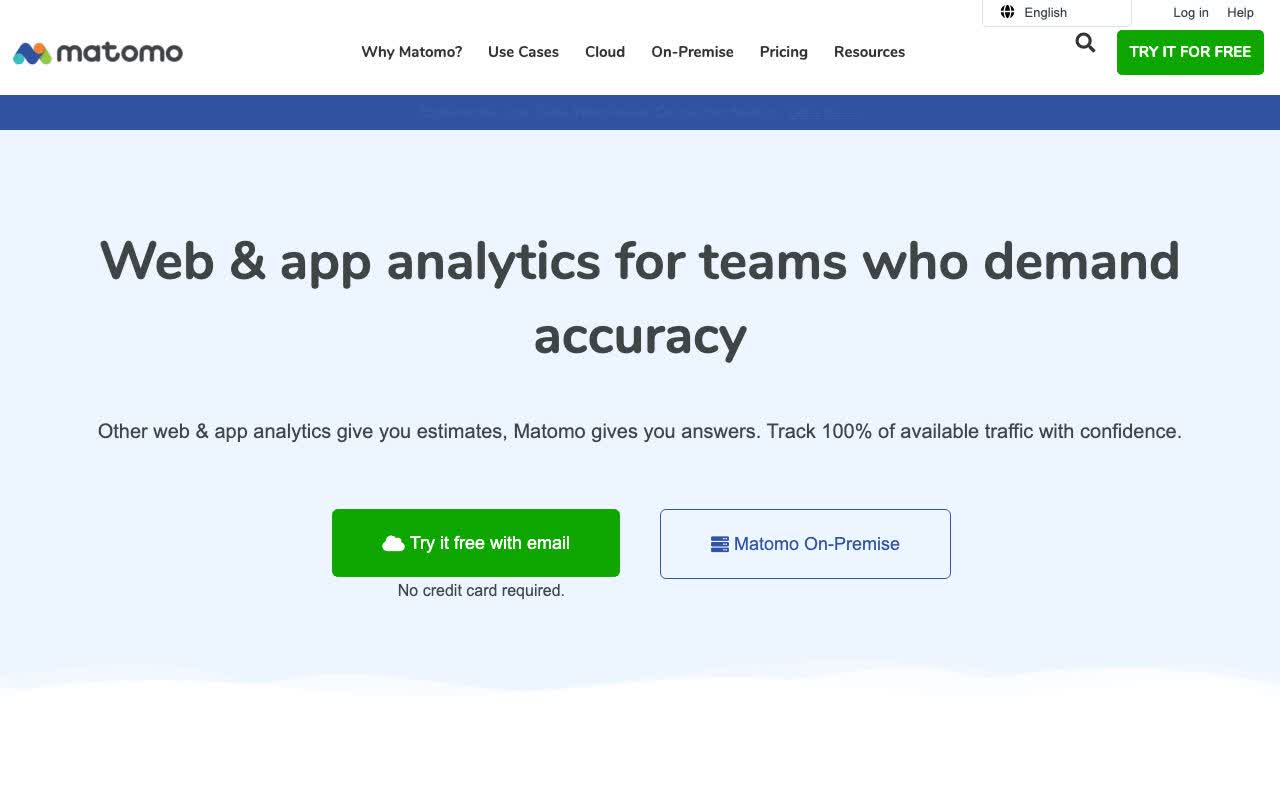
Matomo (previously known as Piwik) is the closest like-for-like alternative to Google Analytics available today. It offers a feature set comparable to GA4, including funnel analysis, user flow reports, e-commerce tracking, heatmaps, and custom dimensions. Crucially, you can self-host it on your own server, which means your data never leaves your infrastructure.
The trade-off is complexity. Setting up a self-hosted Matomo instance requires a server, some technical knowledge, and ongoing maintenance. The cloud-hosted version (Matomo Cloud) removes that burden but comes with monthly fees that can add up. Its interface also feels a touch dated compared to newer tools, though the depth of reporting is genuinely impressive.
Pros: Full data ownership, self-hosting option, GDPR and CCPA compliant, rich reporting comparable to GA4, open-source with no data sampling.
Cons: Complex setup for the self-hosted version, cloud pricing can be steep for larger sites, interface feels dated compared to newer tools.
Best for: Privacy-conscious businesses, European companies with strict data residency requirements, and teams that want GA-level reporting depth without Google's involvement.
Mixpanel
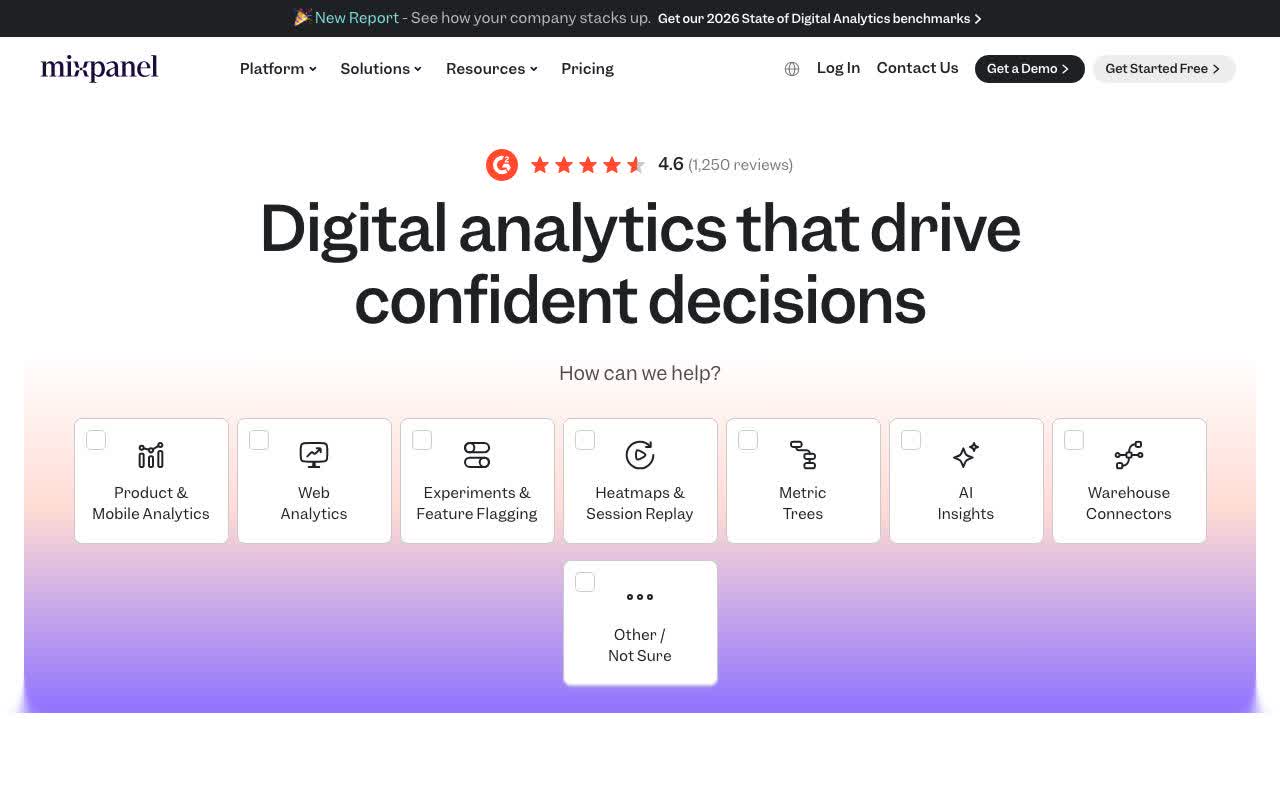
Mixpanel comes up often in these comparisons, so it's worth addressing directly: it is not a direct replacement for Google Analytics. Mixpanel is a product analytics tool, designed for SaaS companies and app developers who want to understand how users interact with features, not just how they found a website.
If you're running an e-commerce store or a content site, Mixpanel probably isn't what you're looking for. But if you're building a software product and want to track activation rates, retention, feature adoption, and drop-off points in user journeys, it's genuinely excellent. It requires you to instrument events carefully, which takes upfront technical effort but pays off in the quality of insights.
Pros: Powerful event-based analytics, excellent retention and funnel reporting, strong for SaaS and app teams, generous free tier up to 20 million events/month.
Cons: Not a web analytics tool, requires developer resource for event instrumentation, complex data model, can become expensive at scale.
Best for: Product managers and SaaS teams who want to track in-app behaviour and understand user journeys within their product.
Adobe Analytics
Adobe Analytics is the enterprise-grade option in this list. It integrates with the full Adobe Experience Cloud, offers advanced segmentation, multi-channel attribution, and offline data integration. If GA4 360 is the premium Google option, Adobe Analytics is its closest rival at the enterprise level.
The honest truth: most businesses reading this guide won't need Adobe Analytics. It's priced for large organisations, requires specialist implementation, and demands ongoing expertise to use effectively. But for enterprises with genuinely complex data requirements, existing investment in the Adobe Experience Cloud, and dedicated analytics teams, it's a serious platform worth considering.
Pros: Enterprise-grade capabilities, multi-channel data ingestion, deep customisation, integrates with Adobe Campaign, Adobe Real-Time CDP, and Adobe Customer Journey Analytics.
Cons: Very expensive with no public pricing (contracts typically start six figures), requires expert implementation, significant ongoing overhead.
Best for: Large enterprises with complex, multi-channel analytics requirements and existing Adobe infrastructure.
Our verdict: which should you choose?
Key Takeaway: No analytics tool is universally best. Match the platform to your business size, technical resources, and data privacy requirements — not to what's most popular.
There's no single right answer. The best analytics tool is the one that matches your actual needs, your team's technical ability, and your privacy obligations. Here's a quick guide:
- You want simple, privacy-friendly traffic data: Go with Plausible or Fathom.
- You want GA-level depth with full data ownership: Matomo is your best bet.
- You're building a SaaS product: Mixpanel deserves a serious look.
- You're a large enterprise with serious budget: Adobe Analytics is worth evaluating.
- You're already on GA4 and just find it confusing: Keep reading.
Before you switch, try this
Here's something worth considering before you spend time migrating platforms: the most common reason people look for a GA4 alternative isn't actually the data. It's the interface.
GA4 holds a wealth of valuable information about your audience, your traffic, and your content performance. The problem is that accessing those insights often means navigating confusing menus, building custom reports from scratch, or deciphering terminology that doesn't quite make sense without a background in analytics.
That's exactly the problem Meaning was built to solve. Meaning connects to your existing GA4 account and lets you ask questions about your data in plain English. Instead of building a custom exploration report to find out which blog posts drove the most conversions last month, you just ask. The answer comes back in seconds, in language that actually makes sense.
No migration required. No new tracking code to install. No starting from scratch with an unfamiliar platform and wondering whether your historical data will carry over. If GA4 has the data you need, and it almost certainly does, Meaning helps you actually use it.
So before you make the switch, it's worth asking: is the problem really Google Analytics, or is it just that GA4 wasn't designed for the way most people actually want to work with data? If it's the latter, Meaning might be all you need.